App Lens

Tech Stack
Overview
Problem Solved
Solution
Workflow
- Authentication: Users sign in with Google OAuth for secure access
- Project Creation: Start from scratch or choose from 50+ pre-designed templates
- Asset Upload: Drag and drop screenshots, logos, and brand assets
- Visual Editing: Use the canvas editor to arrange elements, apply filters, and add annotations
- AI Enhancement: Let the AI suggest improvements to layout, contrast, and composition
- Collaboration: Invite team members to review and edit in real time
- Export: Download platform-specific packages ready for store submission
Technical Highlights
- Frontend: React 18 with TypeScript, Vite for ultra-fast builds, and Tailwind CSS for styling
- Backend: Go (Golang) for concurrent image processing with minimal memory footprint
- Database: MongoDB for flexible project and asset storage
- Authentication: Firebase OAuth with Google Sign-In
- API Documentation: Swagger/OpenAPI for complete endpoint documentation
- Deployment: Docker containers for consistent staging and production environments
Key Takeaways
Features
Intuitive visual editor with drag-and-drop functionality
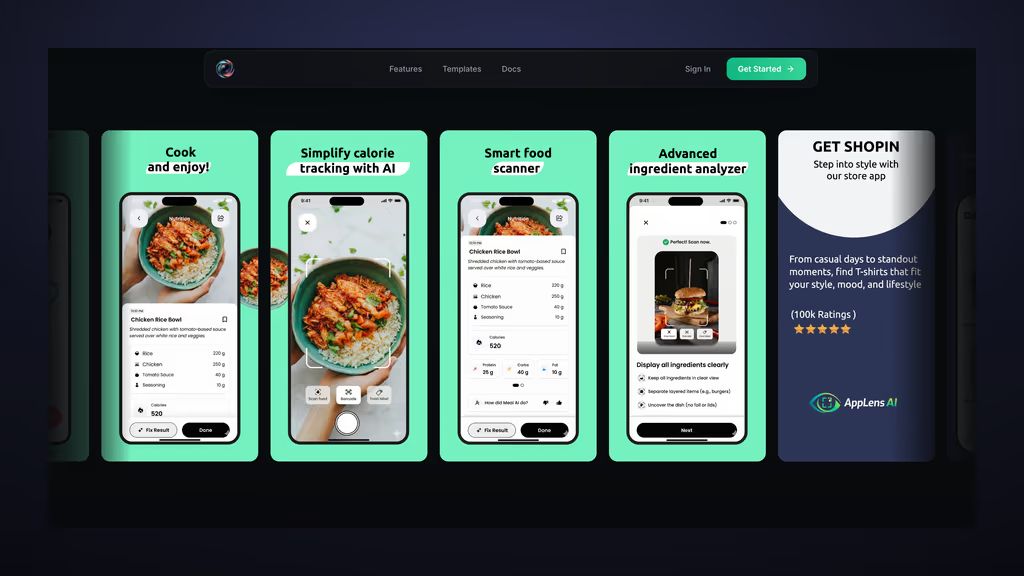
Pre-designed templates for iOS and Android app stores
AI-powered screenshot enhancement and auto-layout
Real-time preview across multiple device frames
Export in multiple resolutions and formats
Collaborative workspace for teams
Brand kit management for consistent styling
Responsive canvas with zoom and pan controls
Architecture
AppLens follows a modern decoupled architecture. The client is built with React and Vite for fast builds and HMR. The backend API is written in Go, providing high-performance image processing endpoints. MongoDB stores user projects and assets, while Docker containers ensure consistent deployments across environments. OAuth 2.0 with Google handles authentication, and Swagger documents the RESTful API.
API & System Flow
User authenticates via Google OAuth → Uploads screenshots or chooses templates → Frontend sends editing operations to Go backend → Backend processes images using canvas pipelines → Processed assets are stored in MongoDB with GridFS → Real-time collaboration updates are broadcast via WebSockets → Final screenshots are exported in platform-specific resolutions.
Challenges & Solutions
Implemented Web Workers for off-thread image processing and used canvas-based rendering with optimized algorithms for resize and filter operations.
Related Projects

Schema Builder
Intelligent full-stack database schema designer that revolutionizes database modeling: visually design schemas with AI-powered chat assistance, create tables and relationships through an intuitive canvas, get instant SQL generation and real-time collaboration. Built with React TypeScript + Vite frontend, Go backend with MongoDB, Firebase authentication with Google OAuth, and AI-driven schema recommendations for seamless database architecture planning.

SchemaCraft
Revolutionary full-stack SaaS that transforms API development: create custom APIs instantly through visual schema design, get auto-generated CRUD endpoints with authentication, real-time collaboration, and comprehensive admin controls. Built with React TypeScript frontend, Go backend, deployed on AWS with automated CI/CD.

Funutrition
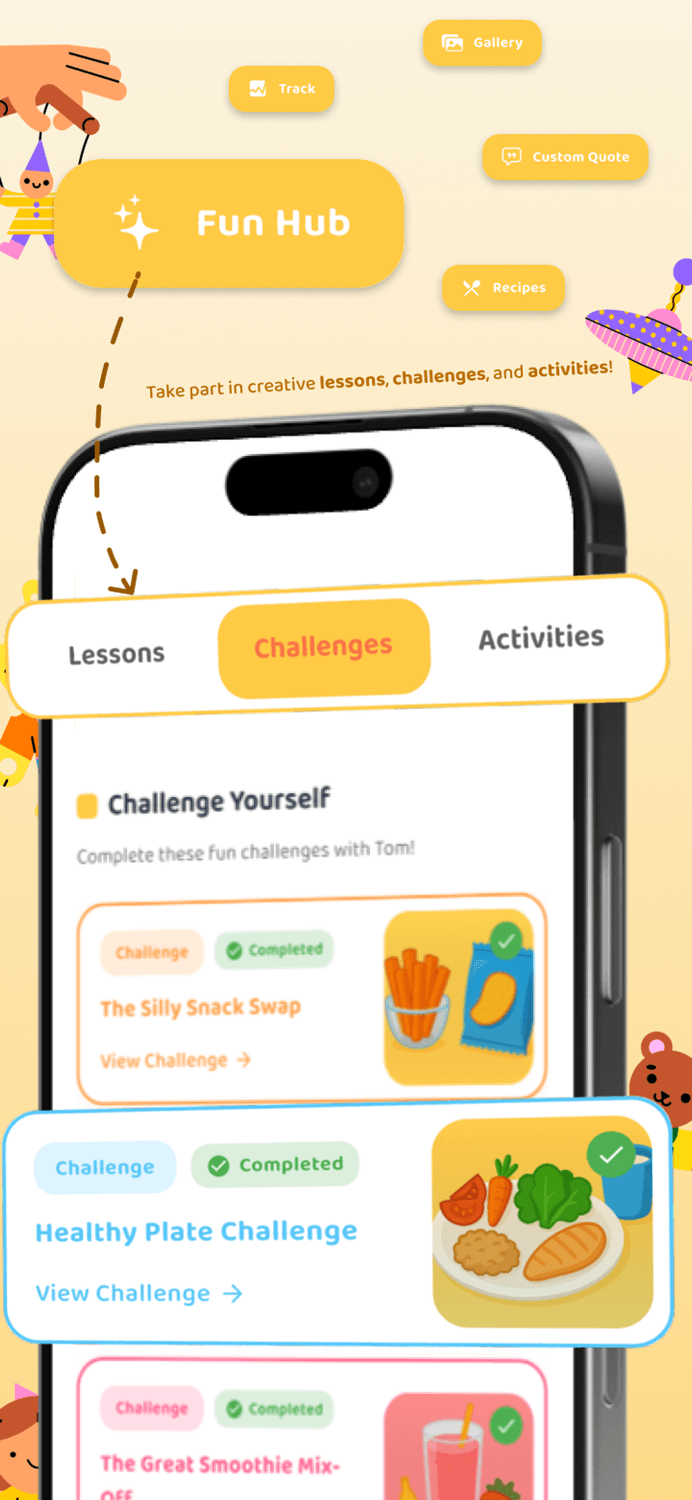
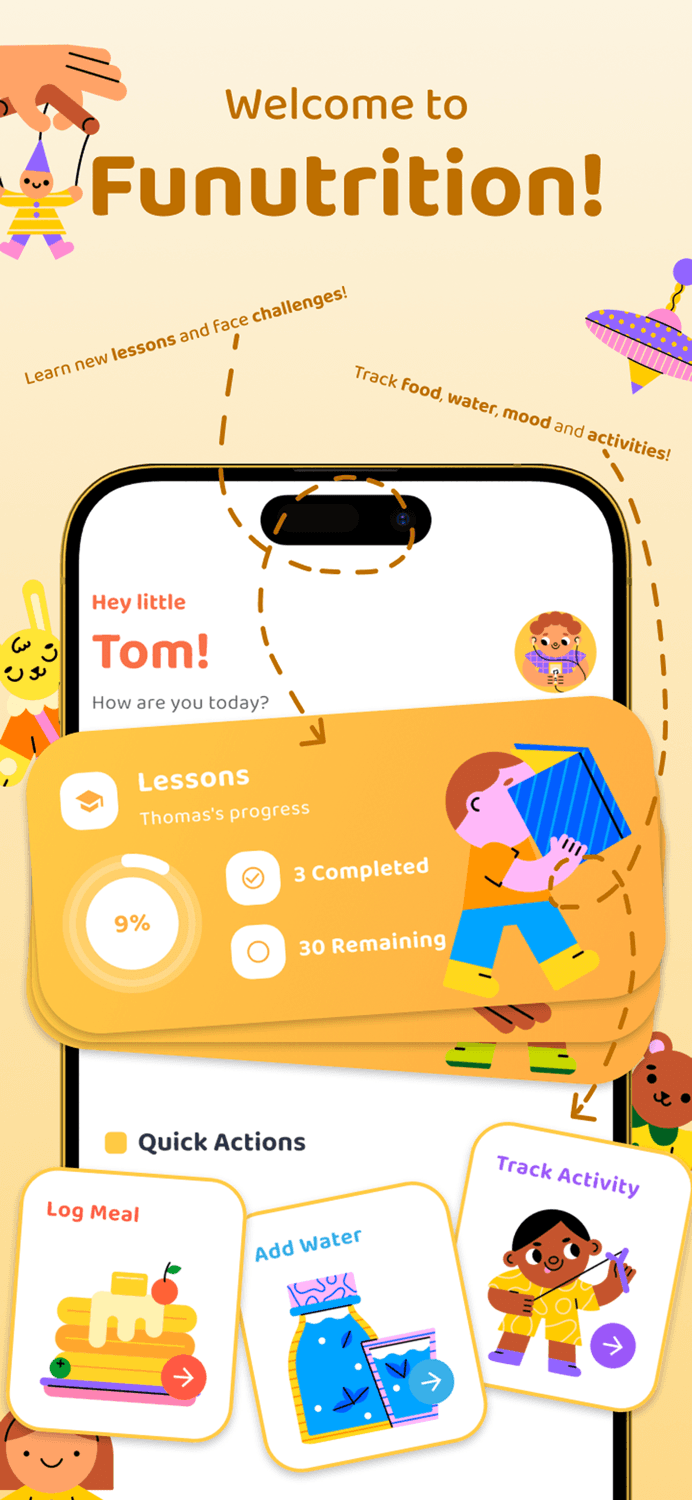
Developed Funutrition, an interactive kids' app designed by a dietitian to make learning about healthy eating fun. Features include educational games, healthy recipes, expert nutrition tips, and progress tracking. The app helps children build lifelong healthy habits while supporting parents with guidance and insights.